| assets | ||
| src | ||
| LICENSE | ||
| README.md | ||

Map Badge Card for Home Assistant
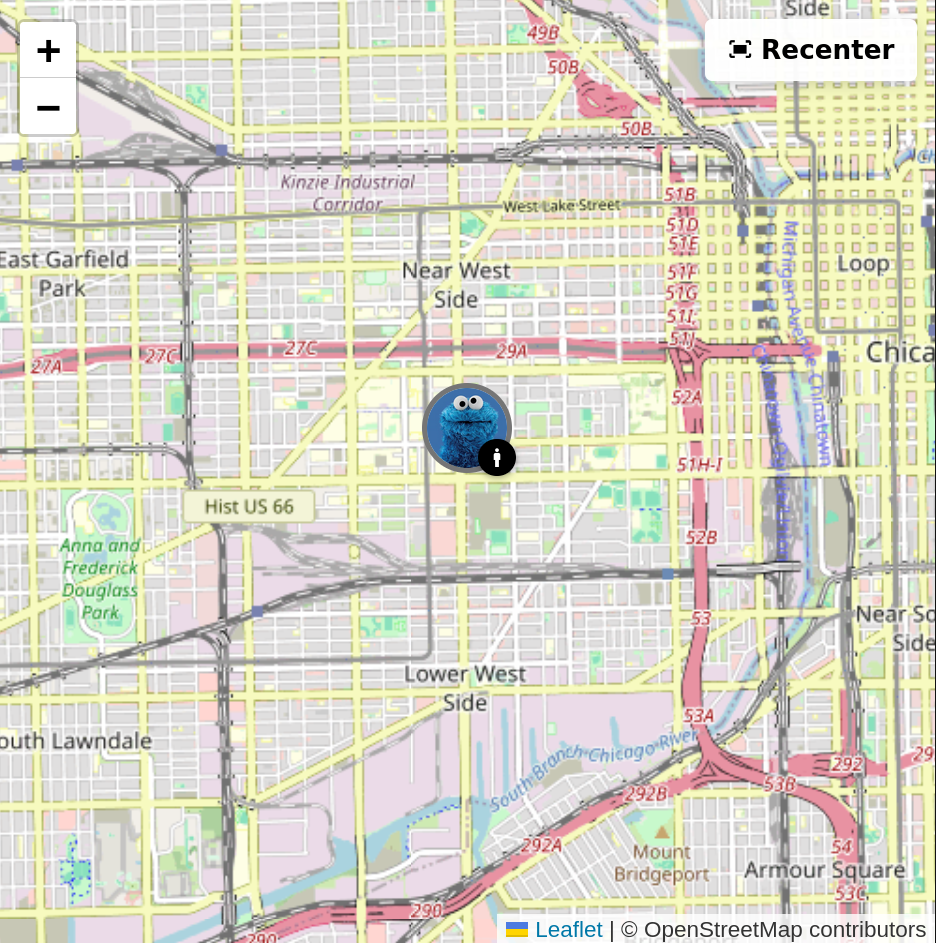
A custom card that shows person locations on a map with profile pictures and activity badges.


Features
- OpenStreetMap (free) or Google Maps
- Profile pictures as map markers with colored borders based on zones
- Activity badges (walking, driving, etc.) from your phone's sensors
- Customizable colors and border styles
- Adjustable Marker Sizes (Small, Medium, Large)
- Speed Display in Popups
- Speed-based Activity Prediction
Zone-based Markers
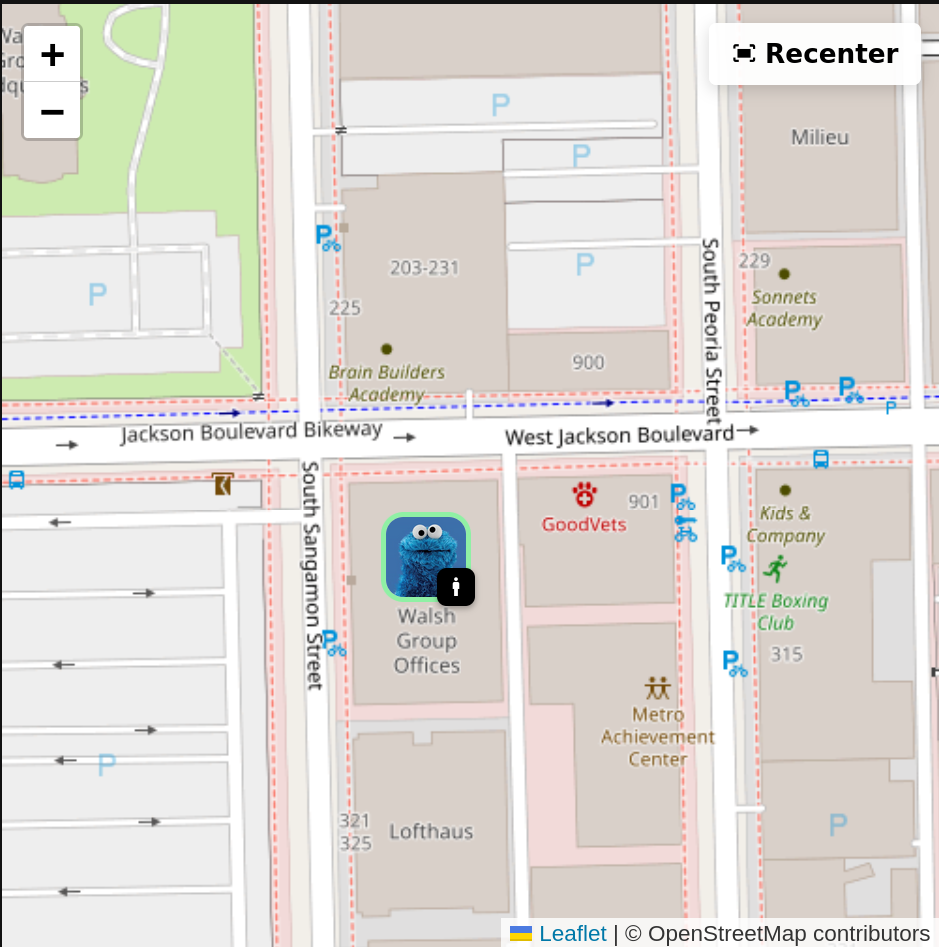
Markers show colored borders based on zones (home = green, away = gray, etc.)
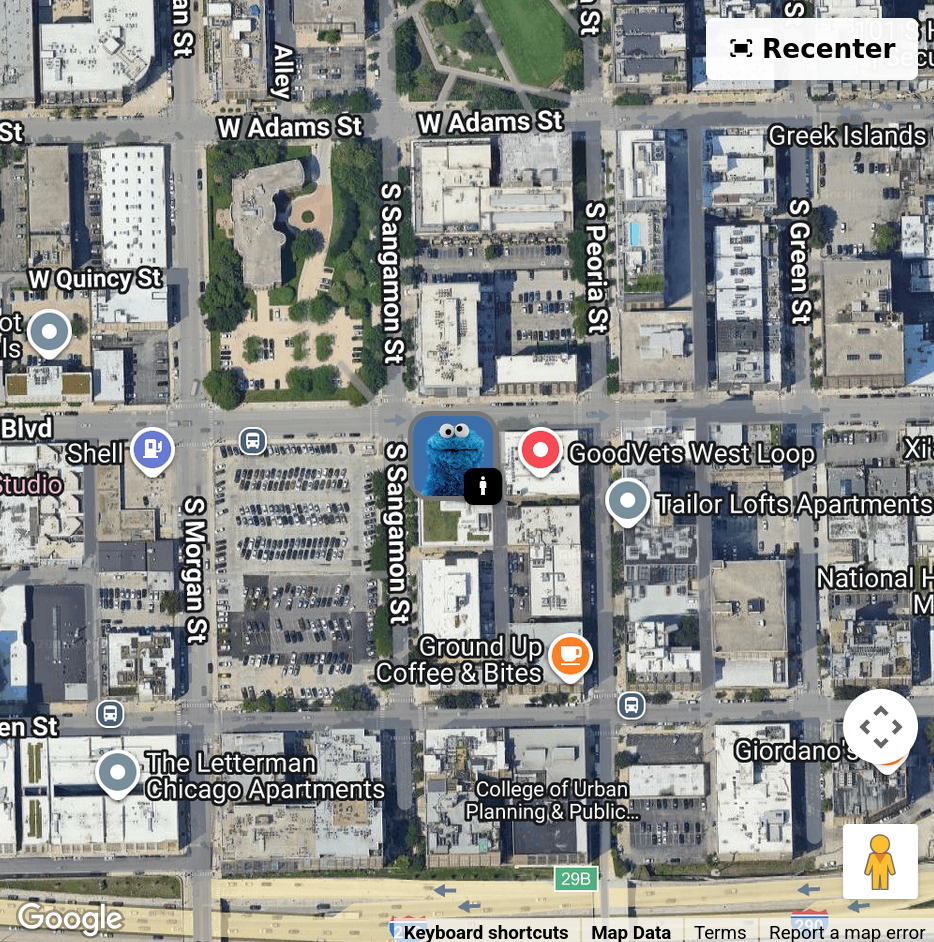
Google Maps Support
 |
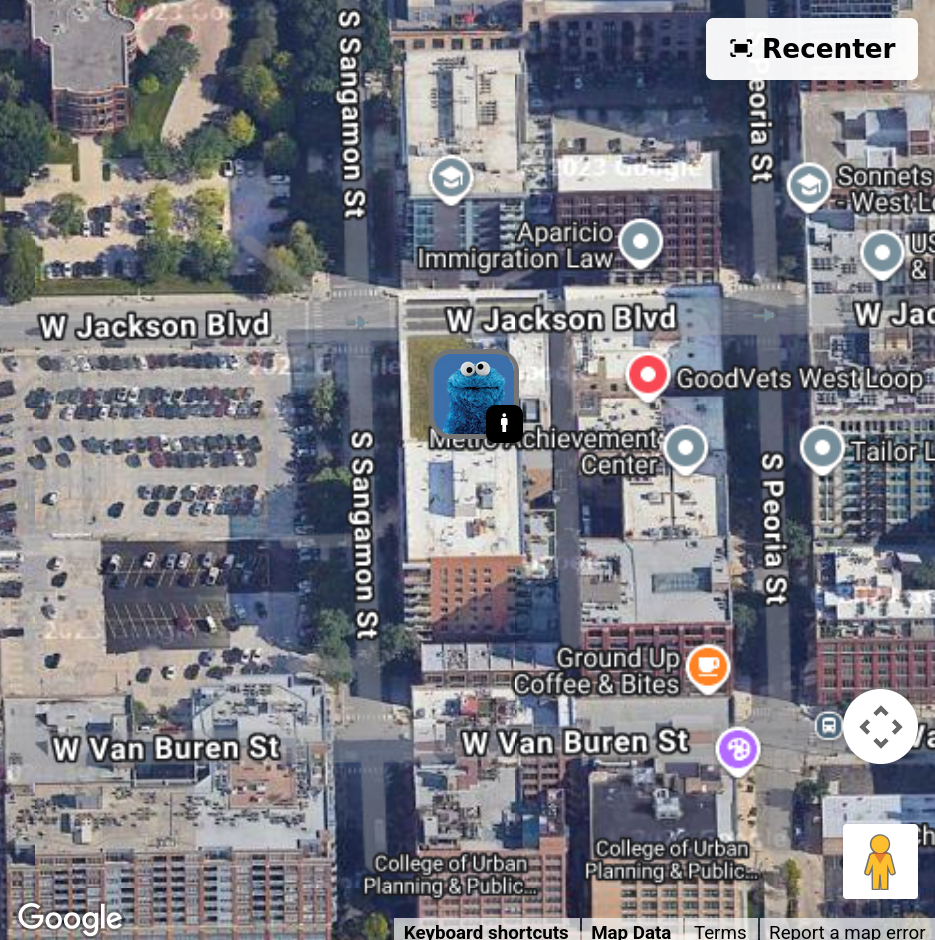 |
| Standard view | 3D tilt at high zoom |
Installation
HACS (Recommended)
Coming soon
Manual Installation
-
Download all required files from the
src/directory:map-badge-card.js(main entry point)constants.jsconfig-manager.jsentity-data-fetcher.jsiframe-messenger.jseditor-ui.jseditor-handlers.jsmap-badge-v2.html
-
Create a folder
/config/www/map-badge-card/ -
Copy all 8 files into that folder
-
Add the card resource:
- Go to Settings → Dashboards → Resources
- Click "Add Resource"
- URL:
/local/map-badge-card/map-badge-card.js - Resource type:
JavaScript Module(important!)
-
Refresh your browser
Note: The card uses ES6 modules, so all files must be in the same directory and the resource type must be set to "JavaScript Module".
Configuration
Basic Configuration
type: custom:map-badge-card
entities:
  - person: person.john
    activity: sensor.john_phone_activity
  - person: person.jane
    activity: sensor.jane_phone_activity
map_provider: osm  # or 'google'
default_zoom: 13
update_interval: 10  # seconds
Full Configuration Example
type: custom:map-badge-card
entities:
  - person: person.john
    activity: sensor.john_phone_activity
  - person: person.jane
    activity: sensor.jane_phone_activity
map_provider: google
google_api_key: YOUR_GOOGLE_API_KEY
map_type: hybrid  # hybrid, satellite, roadmap, or terrain
default_zoom: 15
update_interval: 10
marker_size: medium  # small, medium, large
marker_border_radius: 50%  # 50% for circles, or use px (e.g., 8px)
badge_border_radius: 50%
debug: false
zones:
  home:
    color: '#cef595'
  not_home:
    color: '#757575'
  work:
    color: '#4285f4'
activities:
  still:
    color: '#000000'
  walking:
    color: '#4caf50'
  running:
    color: '#ff5722'
  on_bicycle:
    color: '#2196f3'
  in_vehicle:
    color: '#9c27b0'
activity_source: sensor  # sensor or speed_predicted
Configuration Options
| Option | Type | Default | Description |
|---|---|---|---|
entities |
list | Required | List of person entities with optional activity sensors |
map_provider |
string | osm |
Map provider: osm (OpenStreetMap) or google |
google_api_key |
string | - | Google Maps API key (required only for Google Maps) |
map_type |
string | hybrid |
Google Maps type: hybrid, satellite, roadmap, or terrain |
default_zoom |
number | 13 |
Initial map zoom level (1-21) |
update_interval |
number | 10 |
Update interval in seconds |
marker_size |
string | medium |
Marker size: small, medium, or large |
marker_border_radius |
string | 50% |
Border radius for profile pictures |
badge_border_radius |
string | 50% |
Border radius for activity badges |
debug |
boolean | false |
Enable debug mode for troubleshooting |
zones |
object | See below | Custom zone configurations |
activities |
object | See below | Custom activity color configurations |
activity_source |
string | sensor |
Activity source: sensor or speed_predicted |
Supported Activities
Based on Google and iOS activity detection APIs. Icon colors are customizable.
- Still, On Foot, Walking, Running, Cycling
- In Vehicle (covers car, automotive, etc.)
- On Train, On Bus
- Tilting
All default to black background with white icons.
Requirements
Your person entities need GPS coordinates (latitude/longitude). Activity sensors come from the Home Assistant Companion App or similar integrations.
For Google Maps, you'll need an API key from Google Cloud Console with billing enabled. OpenStreetMap works out of the box.